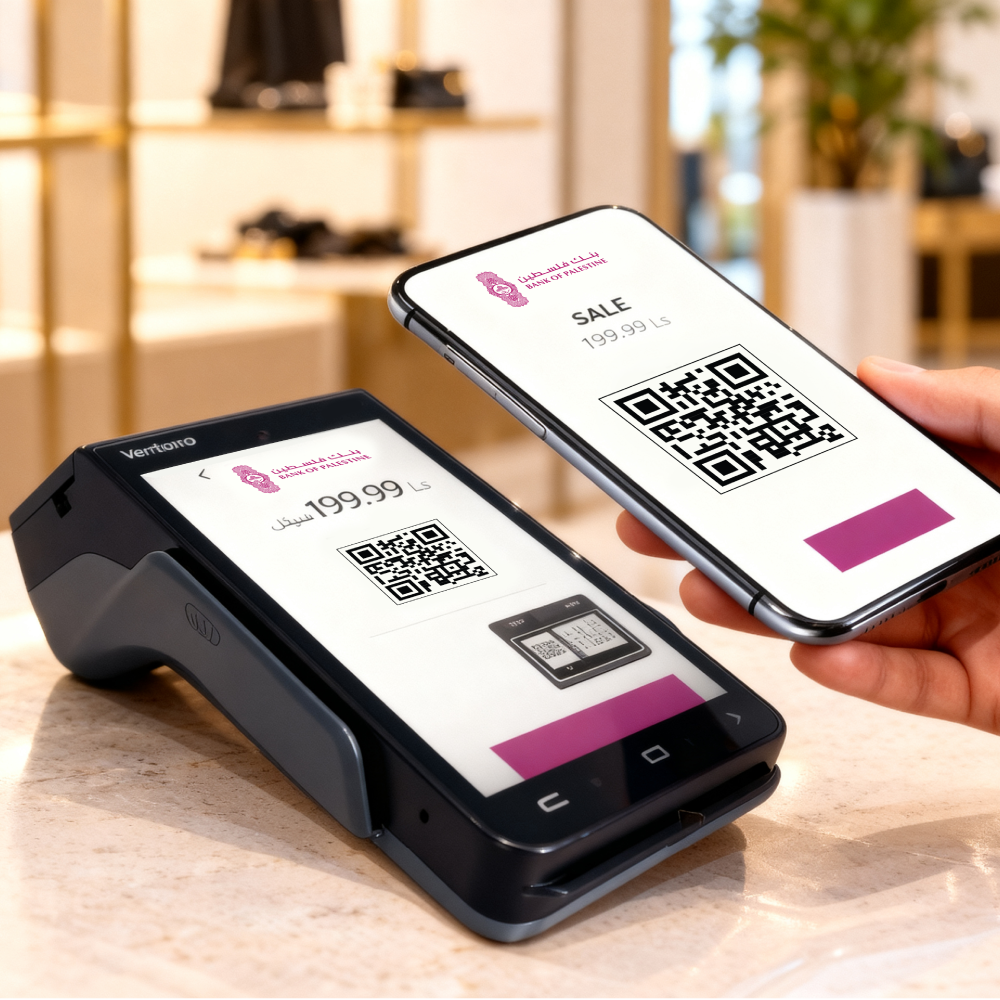
With a single movement of your mobile device, pay for your purchases using a QR code via a banking app.
Scan. Pay. Done
Make instant payments
in a few quick, secure steps
Earn points through
the Pointcom Program
Pay with advanced
digital security
More Benefits
Pay for your purchases quickly and securely, saving time for both you and the merchant.
Earn 200 Pointcom points when you make a purchase of ILS 50 or more using a QR code.
Access the merchant QR payment service either before or after logging in to the Bank-e app.
How to Pay a Merchant Using a QR Code
Pay a merchant in a few simple steps using a QR code through the Bank-e app:
1
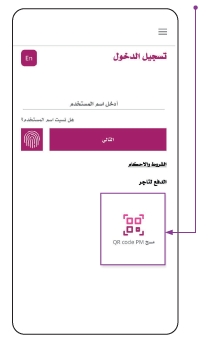
Pay a merchant by tapping Scan QR Code, which appears as soon as you open the app.
2
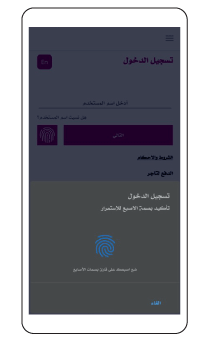
Log in using biometric authentication or your login credentials.
3
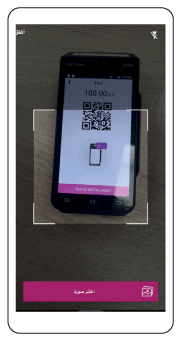
The camera will open so you can scan the merchant’s QR code from the POS terminal to complete the payment. You can also select the QR code from your photo gallery.
4
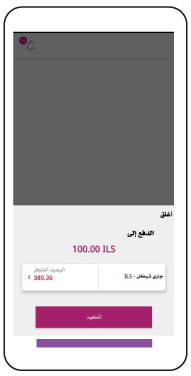
Once the QR code is scanned, the next screen will display:
- The name of the merchant receiving the payment.
- The amount to be paid to the merchant, in ILS only.
- The account from which the payment will be made. This is selected when you first log in to the Bank-e app, or you can choose from the list of accounts eligible for transfers.
5
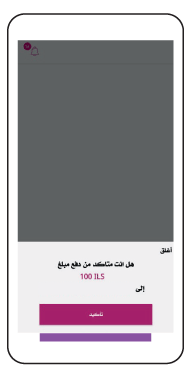
Tap Confirm to proceed.
For more information, you can choose one of the contact methods.
Chat on WhatsApp
Resolve queries instantly without the wait. Send a secure message to our support experts anytime.